1200 × 1698 WebP
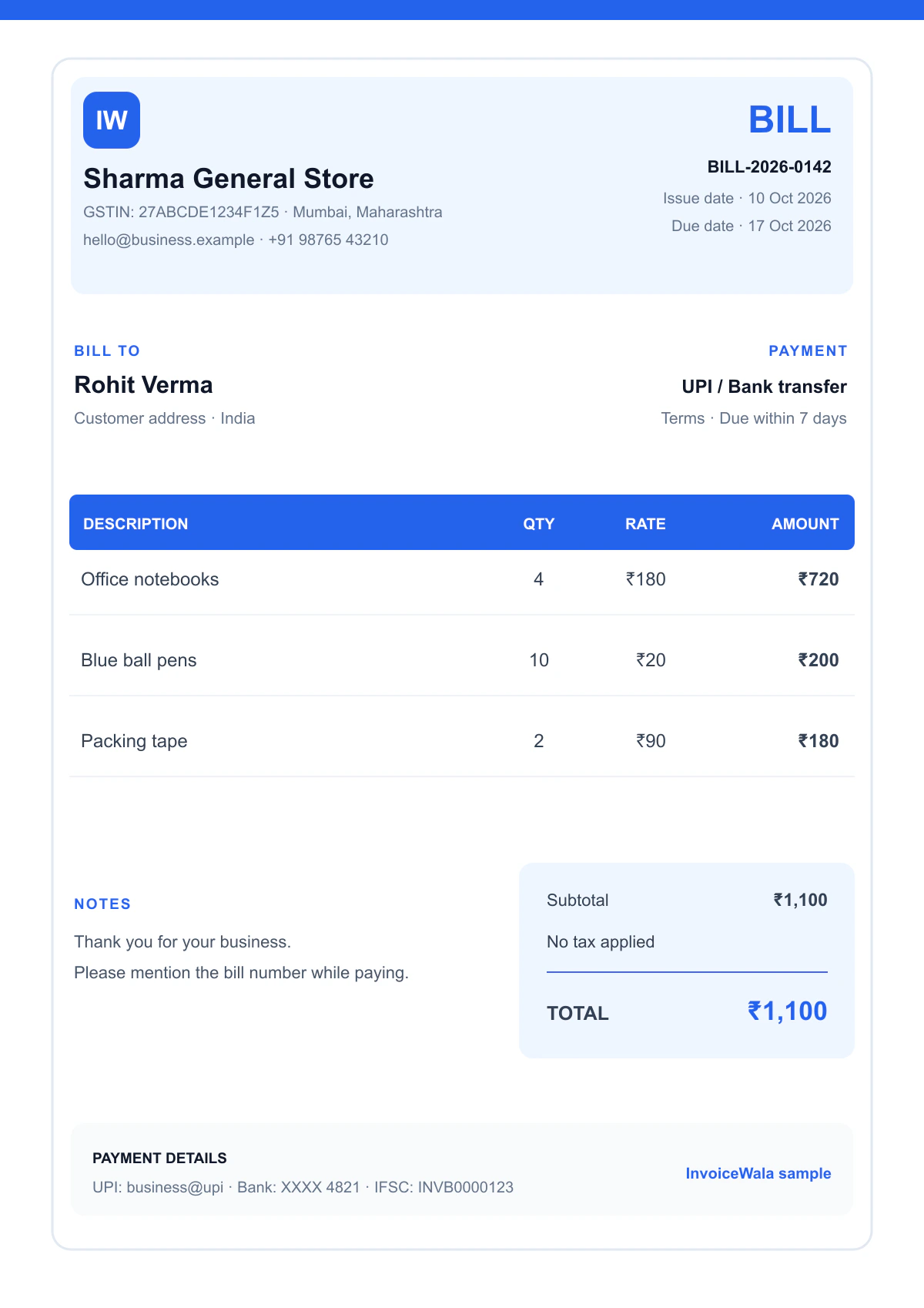
Simple bill format
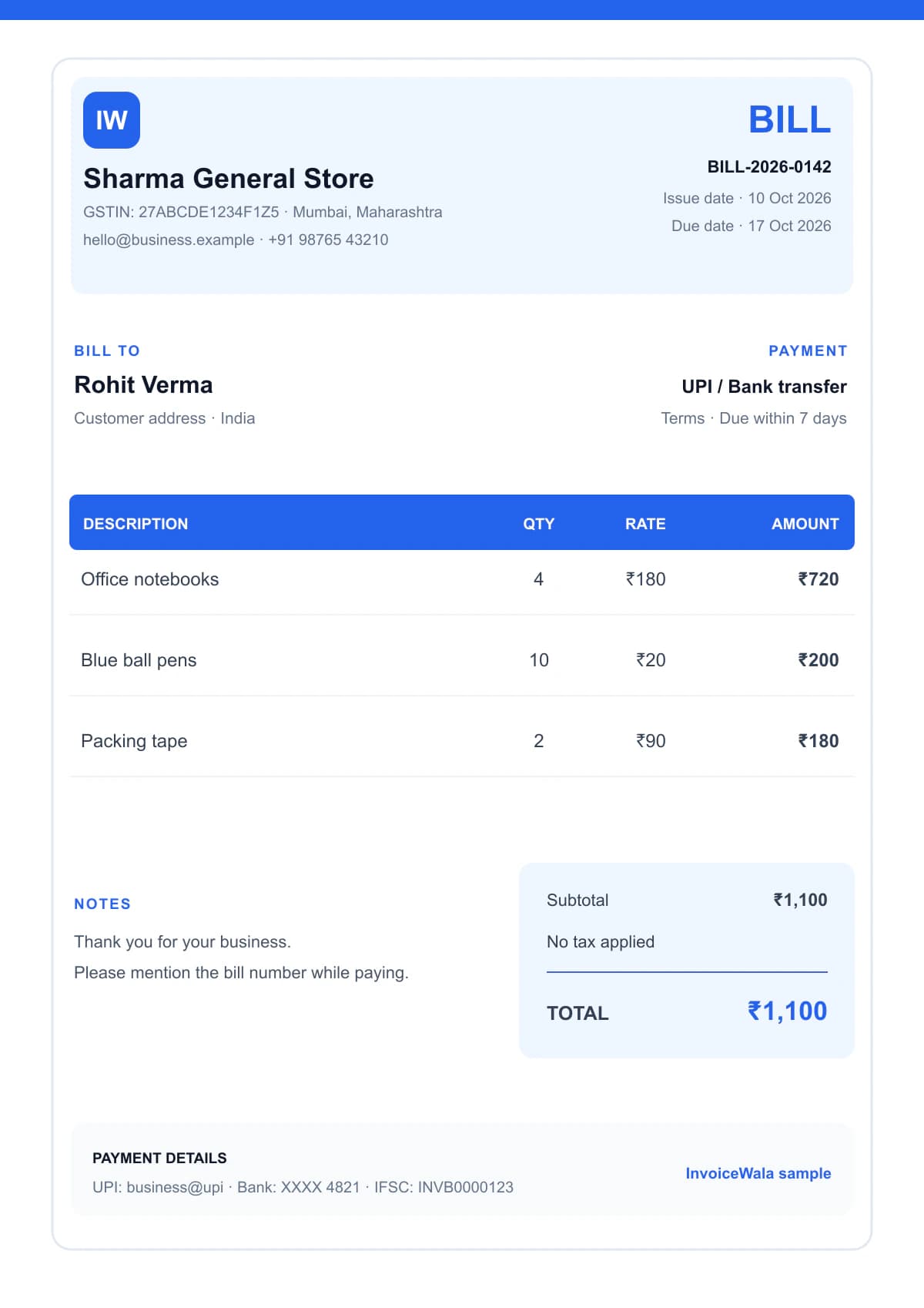
A clean non-GST bill for everyday products and services.
Preview simple, GST, retail, service and freelancer bill formats. Pick the layout that fits your business, then create a clean customer-ready bill online.
Ready to use
6 polished formats
Choose your layout
Each original preview is a crisp 1200 × 1698 WebP, designed for fast pages and strong Google Images visibility.
A clean non-GST bill for everyday products and services.
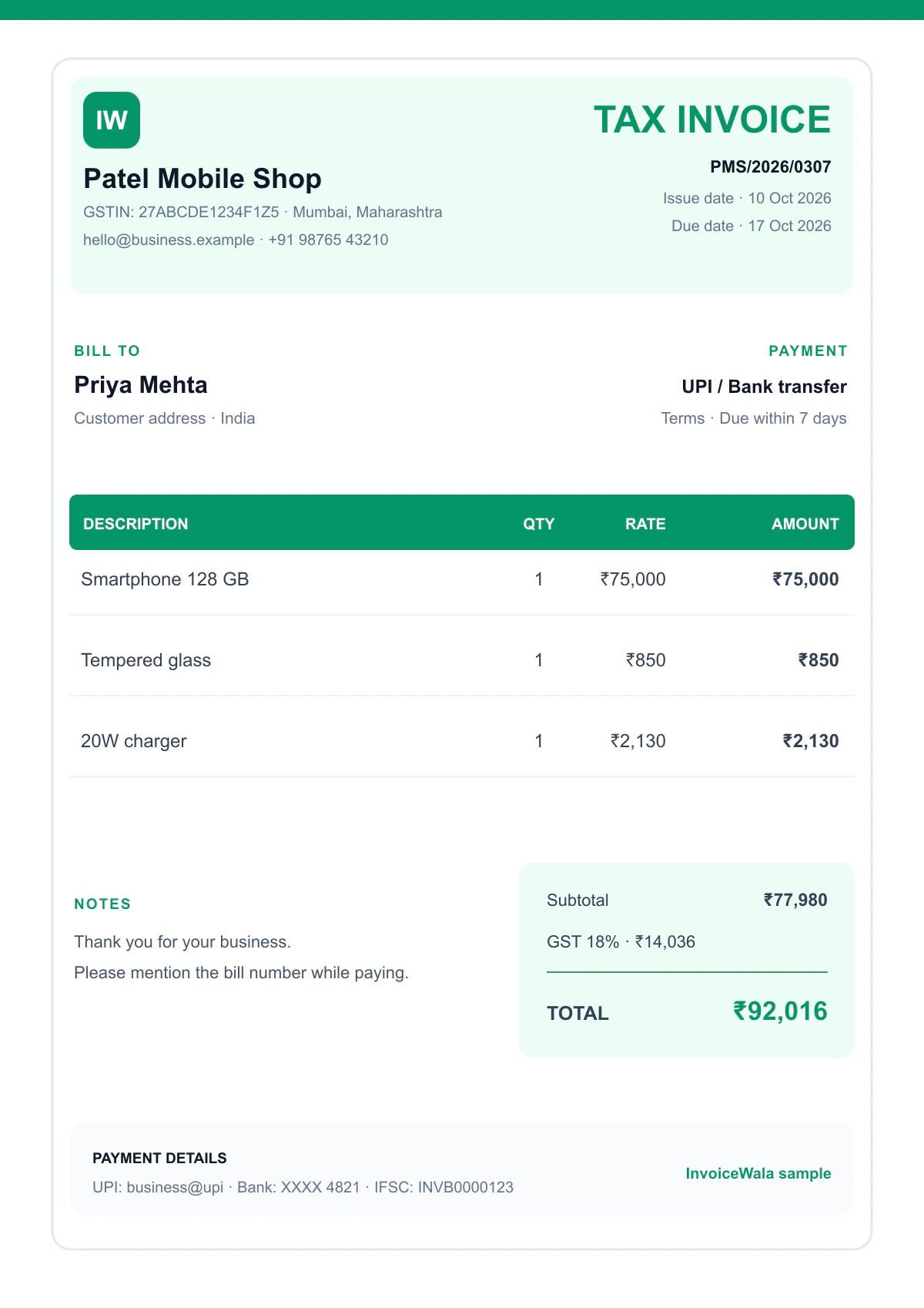
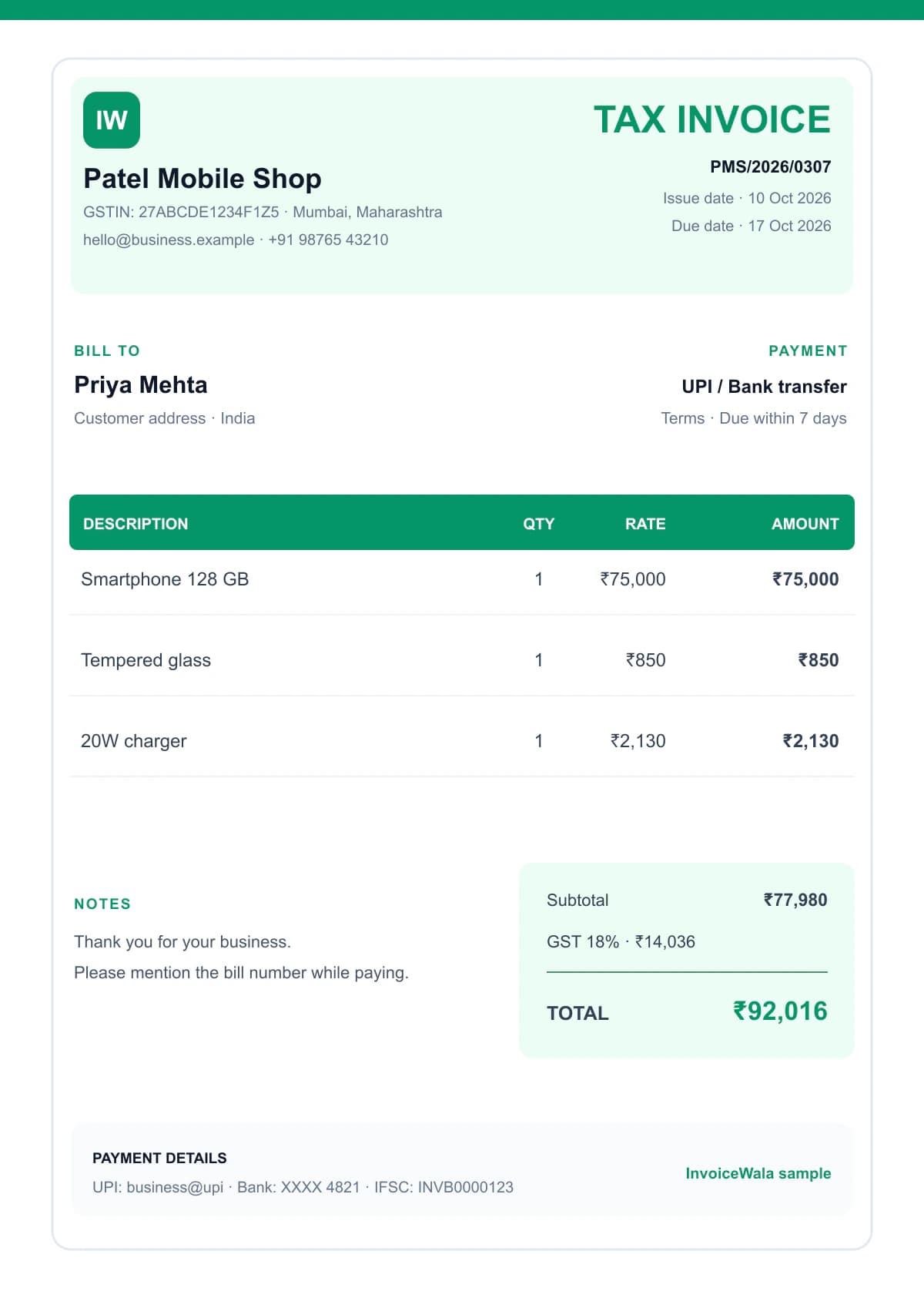
GST-ready tax invoice with supplier, buyer and tax details.
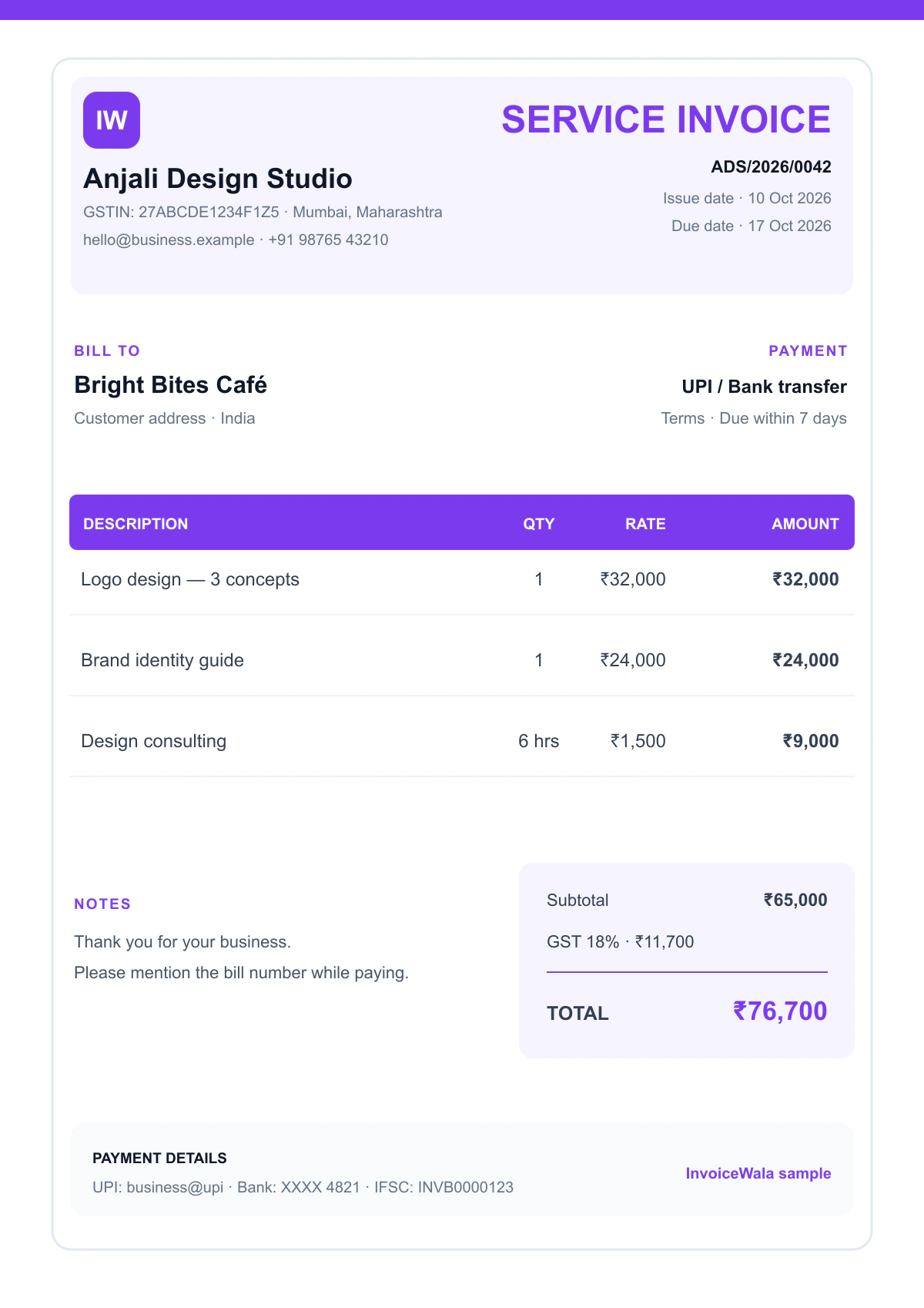
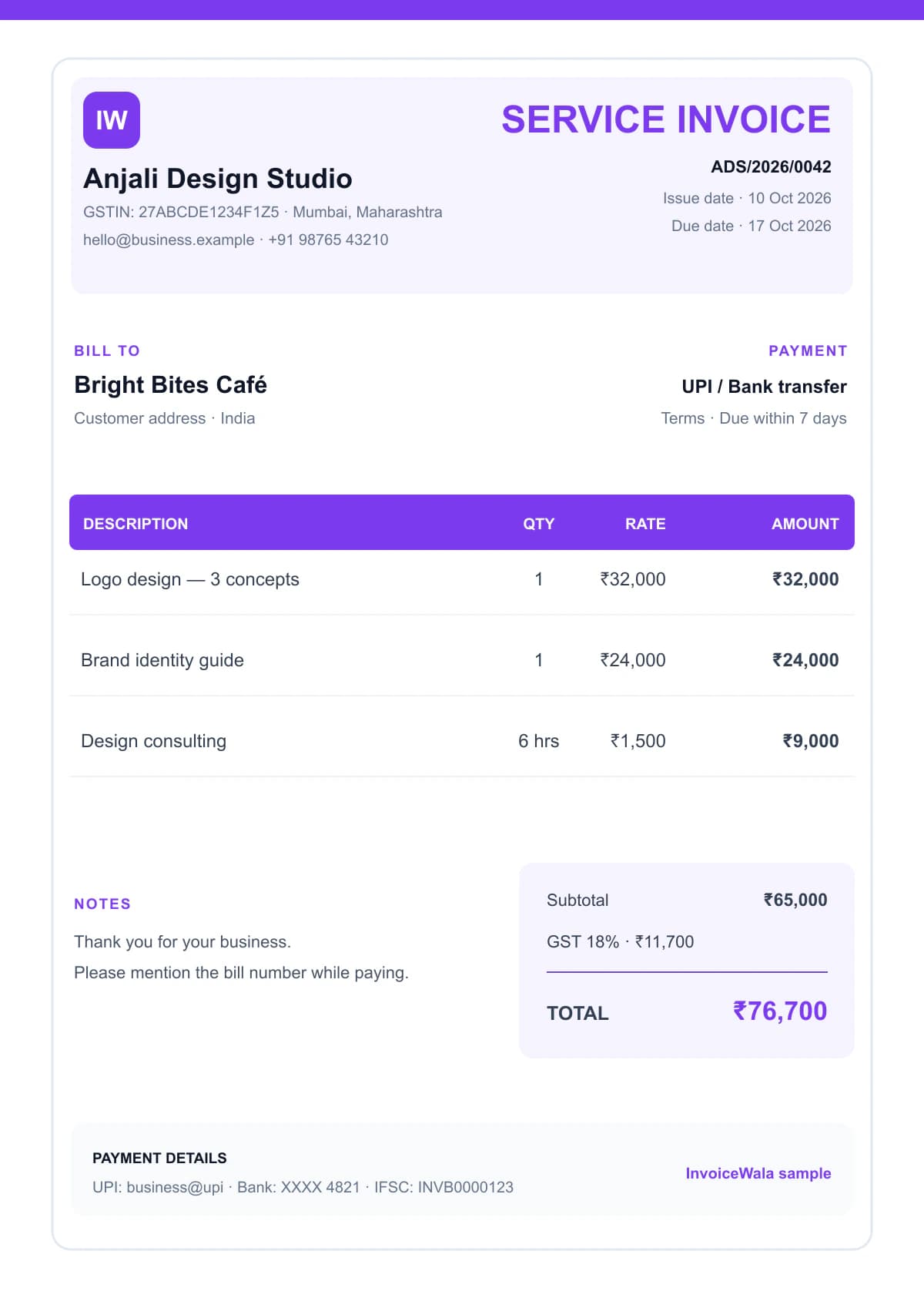
For consultants, agencies, repairs and professional services.
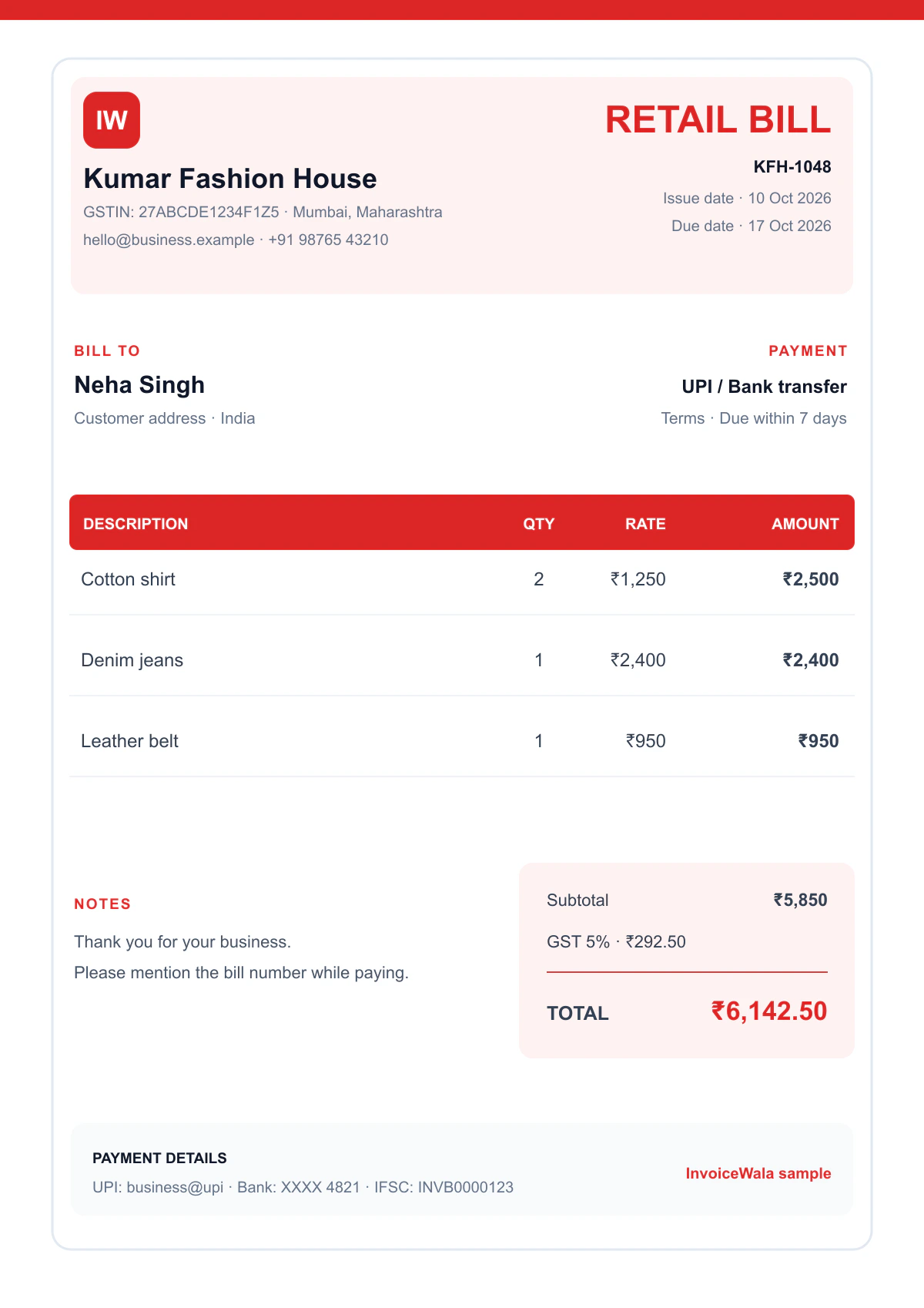
A scan-friendly product bill for stores and local sellers.
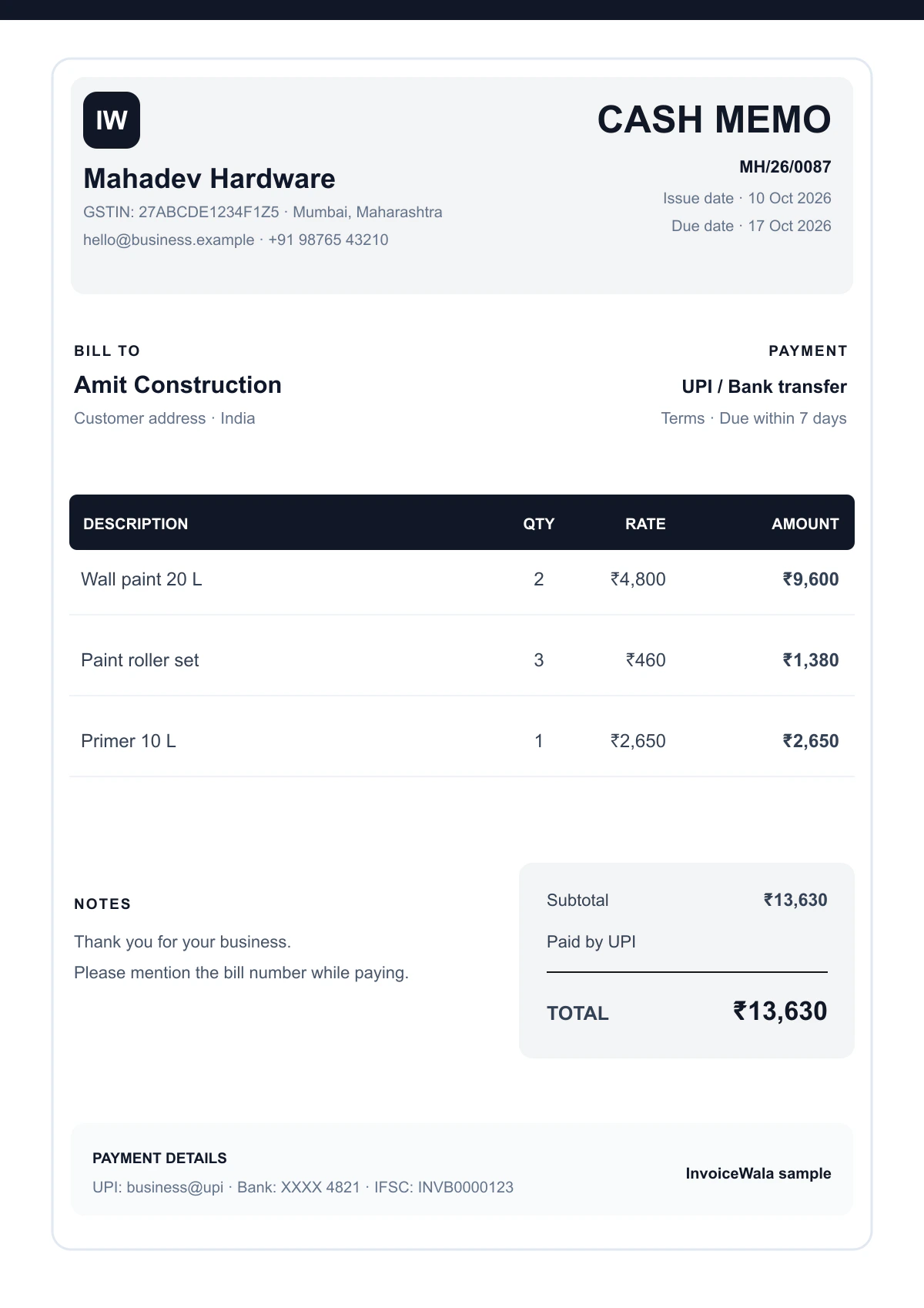
A familiar cash memo layout that works well for print.
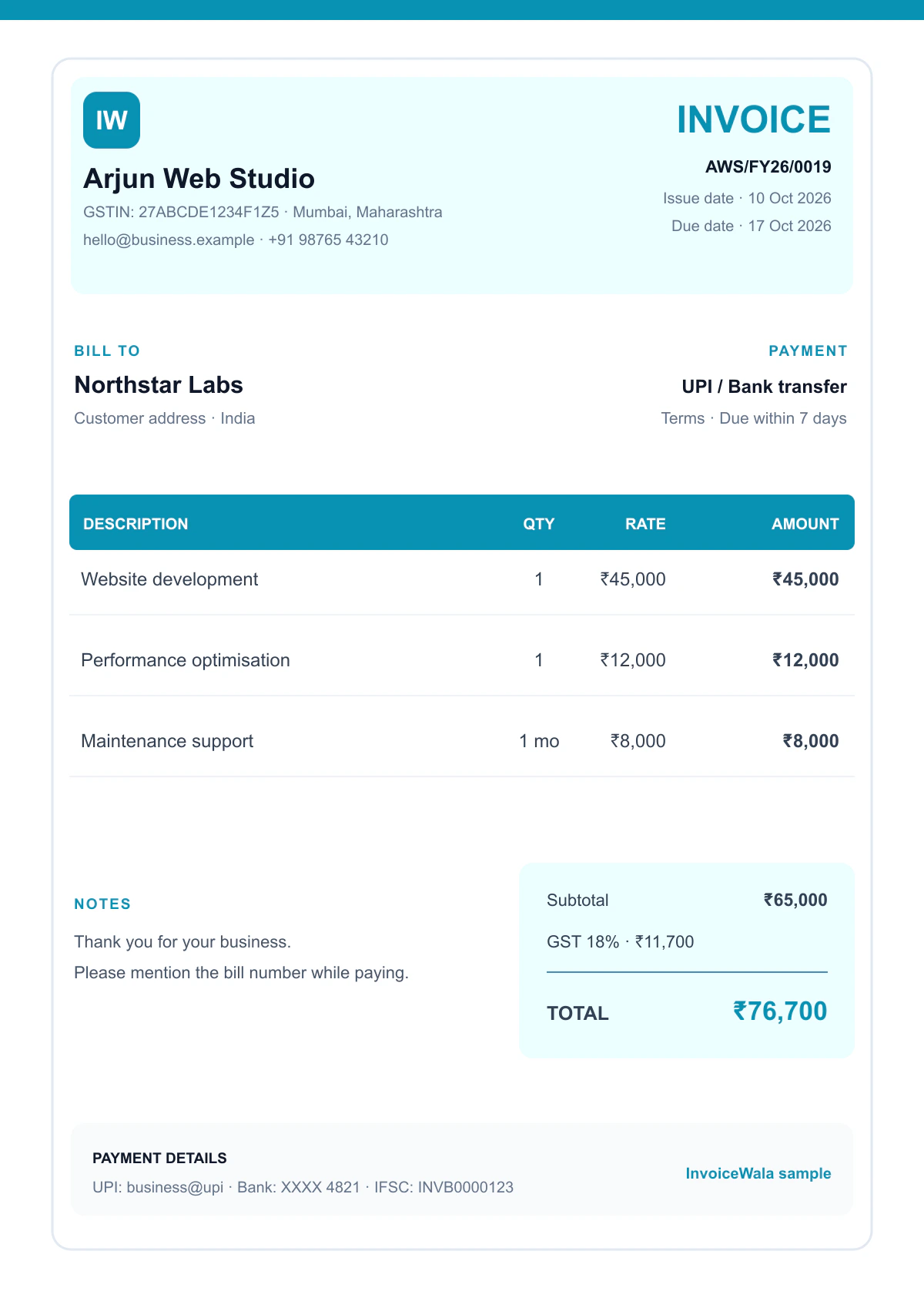
Project, milestone and retainer billing in a polished format.
Built for everyday business
A bill is more than a total on a page. It records what was sold, who must pay, how tax was calculated and when the payment is due. A consistent format helps you prepare that record faster and makes the business look dependable.
InvoiceWala formats are designed for Indian freelancers, agencies, contractors, consultants, local shops and service businesses that need a clear bill without learning complex accounting software first.
Keep business, customer, item, tax and payment details in a predictable order customers can scan quickly.
Use a calculation-friendly layout so quantity, rate, discount, taxable value and GST lead to one clear amount due.
Choose a format that stays readable when a customer opens the PDF from WhatsApp, email or a phone browser.
Finish with a stable PDF instead of sending an editable sheet whose columns, fonts or formulas can change.
Choose the working format
The best file type depends on whether you are calculating, editing or sending the bill. Many businesses prepare the data in Excel or an online invoice maker and share the final copy as PDF.
Best when you want formulas for quantity × rate, discounts, taxable value, GST and totals. Protect formula cells and export a PDF before sending it to a customer.
Best for calculations
Useful for a simple document with flexible wording and branding. It works for occasional bills, but manual totals should be checked carefully before download.
Best for manual editing
The safest format for customers because the design does not shift across phones and computers. PDF is ideal for email, WhatsApp, printing and record keeping.
Best for final sharing
Create the bill online, review GST and totals, then download a customer-ready document.
Benefits of a consistent format
Customers should not have to search for the amount due or ask where to pay. A well-designed bill keeps the commercial details together and gives both sides a reliable transaction record.
Reuse the same structure instead of rebuilding a document for every customer.
Keep required fields and totals in visible, repeatable positions.
Use one professional layout, logo and colour system across customer bills.
A clear invoice number, due date and amount make payment reminders simpler.
Pick the right document
Use a simple bill when tax is not being charged. GST-registered businesses issuing a tax invoice should include applicable supplier, buyer, supply and tax details.
Read the GST bill format guideBest for non-GST billing, everyday sales and straightforward payment records.
Best when GST applies and the invoice needs a clear tax-ready structure.
Three simple steps
Choose the format that matches your business and tax needs.
Add your business, customer, item, price and payment details.
Review the totals, then continue to a polished PDF invoice workflow.
Bill-making checklist
Use this checklist before sending any bill format to a customer. Requirements can vary by transaction and tax status, so keep the document accurate for your business.
Use a simple bill for straightforward non-GST transactions and a tax invoice when GST rules apply to your business and sale.
Add your legal or trade name, address, contact details and GSTIN when applicable. Include the customer name, billing address and GSTIN for B2B invoices.
Keep invoice numbers sequential and easy to trace, such as INV-2026-001. Show the issue date, due date and place of supply where relevant.
Write a recognisable product or service description with quantity, unit, rate, discount and HSN or SAC details when required.
Display taxable value, CGST and SGST or IGST, rounding and the final amount due. This reduces customer questions and payment delays.
Mention accepted payment methods, bank or UPI information, payment terms and a short return, late-fee or service note if it applies.
Read the detailed GST bill guide for GSTIN, place of supply, HSN/SAC and tax-breakup examples.
Common questions
A useful bill format includes the business name, bill number, date, customer details, item description, quantity, rate, amount, tax when applicable, total and payment information.
Yes. A business that is not charging GST can use a simple non-GST bill. Add GSTIN and tax breakup only when they apply to the transaction.
Excel is useful for calculations, Word for manual editing, and PDF for sharing a stable final copy. An online bill maker combines calculations with a clean PDF output.
People often use the words bill and invoice interchangeably. In practice, an invoice usually requests payment, while a bill may also be issued at the time of sale or payment.
Yes. InvoiceWala works in a modern mobile browser, so you can add customer and item details, preview the bill and continue to a professional invoice workflow.
Yes. You can open any bill sample on this page for a full-size preview and use InvoiceWala to create and download your first customer-ready PDF bill free.
Retail shops usually need item name, quantity, rate, discount, tax and total columns. GST-registered shops should also show GSTIN, HSN where applicable and the correct CGST/SGST or IGST breakup.
Create separate areas for seller and customer details, then add item, quantity, rate, tax and amount columns. Use formulas for line totals, subtotal, GST and grand total, and export the final bill as PDF before sharing.
Ready to bill?
Start with the format you like, add the real transaction details and send a professional invoice to your customer.