Use Excel when volume is low
Excel works for one-off invoices, early freelance work or very small businesses that only need a simple editable format.
how to create invoice in Excel
Excel is a familiar way to create your first invoice, but the format must still include business details, customer details, invoice number, line items, tax, totals and payment terms. This guide shows the correct structure and when an online invoice maker is faster.
Preview invoices free. Download and save after signup or login.
Your Business
business@email.com
INVOICE
PDF preview
Bill to
Customer Name
Total
₹5,000
Features
Simple enough for a first invoice, structured enough for repeat business billing.
Invoice image sample
This keyword-focused invoice preview gives Google Images and users a visual sample of the format before they create the real invoice.
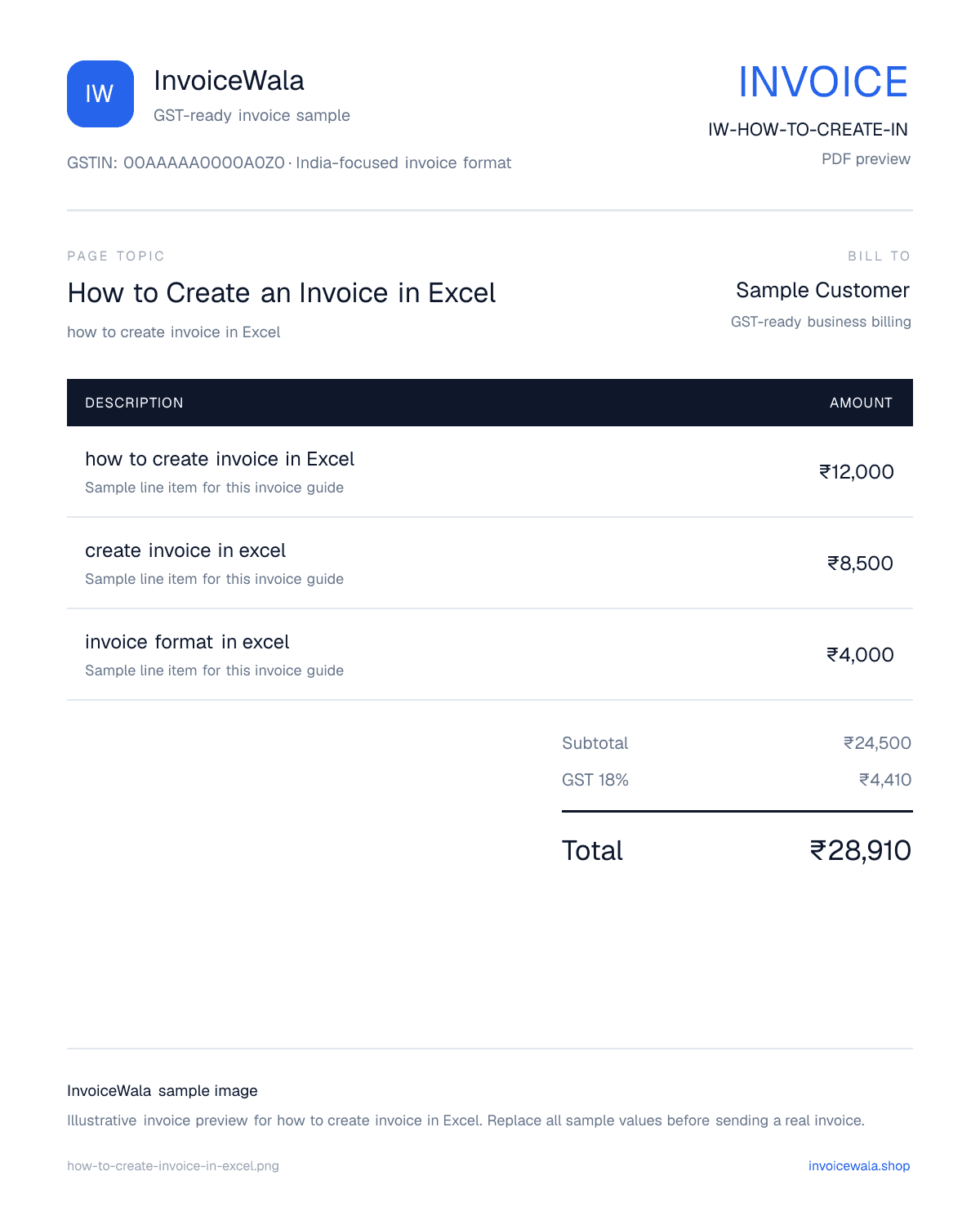
How to Create an Invoice in Excel sample invoice preview with GST-ready fields. Sample values only.
Excel works for one-off invoices, early freelance work or very small businesses that only need a simple editable format.
Before sending an Excel invoice, check quantity, rate, taxable value, GST rate, discount and grand total formulas carefully.
If you create invoices every week, an online generator saves client details, keeps numbering cleaner and produces PDFs faster.
Add your business name, address, phone, email, GSTIN if registered and a clear document title like Tax Invoice or Invoice.
Include invoice number, invoice date, due date, bill-to details, place of supply and customer GSTIN when relevant.
Use columns for description, HSN or SAC, quantity, rate, taxable value, GST percentage, GST amount and total.
Use this table as a quick checklist before you save or export your Excel invoice.
| Field | Why it matters | Example |
|---|---|---|
| Invoice number | Helps tracking and accounting | INV-2026-001 |
| Invoice date | Shows when billing happened | 14 July 2026 |
| Business GSTIN | Needed for GST tax invoices | 22AAAAA0000A1Z5 |
| Item description | Explains what the customer is paying for | Website design service |
| GST amount | Shows tax calculation clearly | 18% GST |
| Payment terms | Reduces payment confusion | Due within 7 days |
Invoice basics
Usually no. Export it as PDF before sending so the layout does not break and the customer cannot accidentally edit formulas.
Excel can work if all mandatory GST invoice fields are present, but you must manually manage numbering, tax breakup and records.
Use InvoiceWala when you want faster PDF invoices, saved client details, cleaner numbering and less formatting work.
If your target is a GST Excel sample, use the dedicated GST invoice format in Excel page for a focused download-style page.
Practical tips
How it works
Create a workbook with business, customer and invoice detail sections.
Add item rows with quantity, rate, taxable value, GST and total formulas.
Check invoice number, date, GSTIN, due date and payment terms.
Export the finished invoice as PDF before sharing it with the client.
Use InvoiceWala when you want a faster browser-based invoice with PDF output.
Search intent
Learn the Excel invoice structure, then use a faster online invoice maker when spreadsheet formatting becomes slow.
Next useful step
Continue with the next practical step: calculate tax, create invoice numbers, send reminders or issue receipts.
Yes, if the invoice includes GSTIN, invoice number, date, customer details, HSN or SAC where needed, taxable value, GST rate and tax breakup.
Excel is flexible, but an invoice generator is faster for repeat billing, PDF output, saved clients and cleaner invoice numbering.
If you need one invoice, a template is fine. If you bill often, creating invoices online is usually faster and safer.
Start with a free preview. Signup only when you want to save, download the PDF and track payment.
Create invoice online