Bill book format in Word
Editable A4 layout for shop and service bills.
Download Wordbill book format
Use this practical bill book format to create clear customer bills for products or services. It covers seller details, customer details, bill number, item rows, tax, total and payment terms.
Preview invoices free. Download and save after signup or login.
Your Business
business@email.com
INVOICE
PDF preview
Bill to
Customer Name
Total
₹5,000
Features
Simple enough for a first invoice, structured enough for repeat business billing.
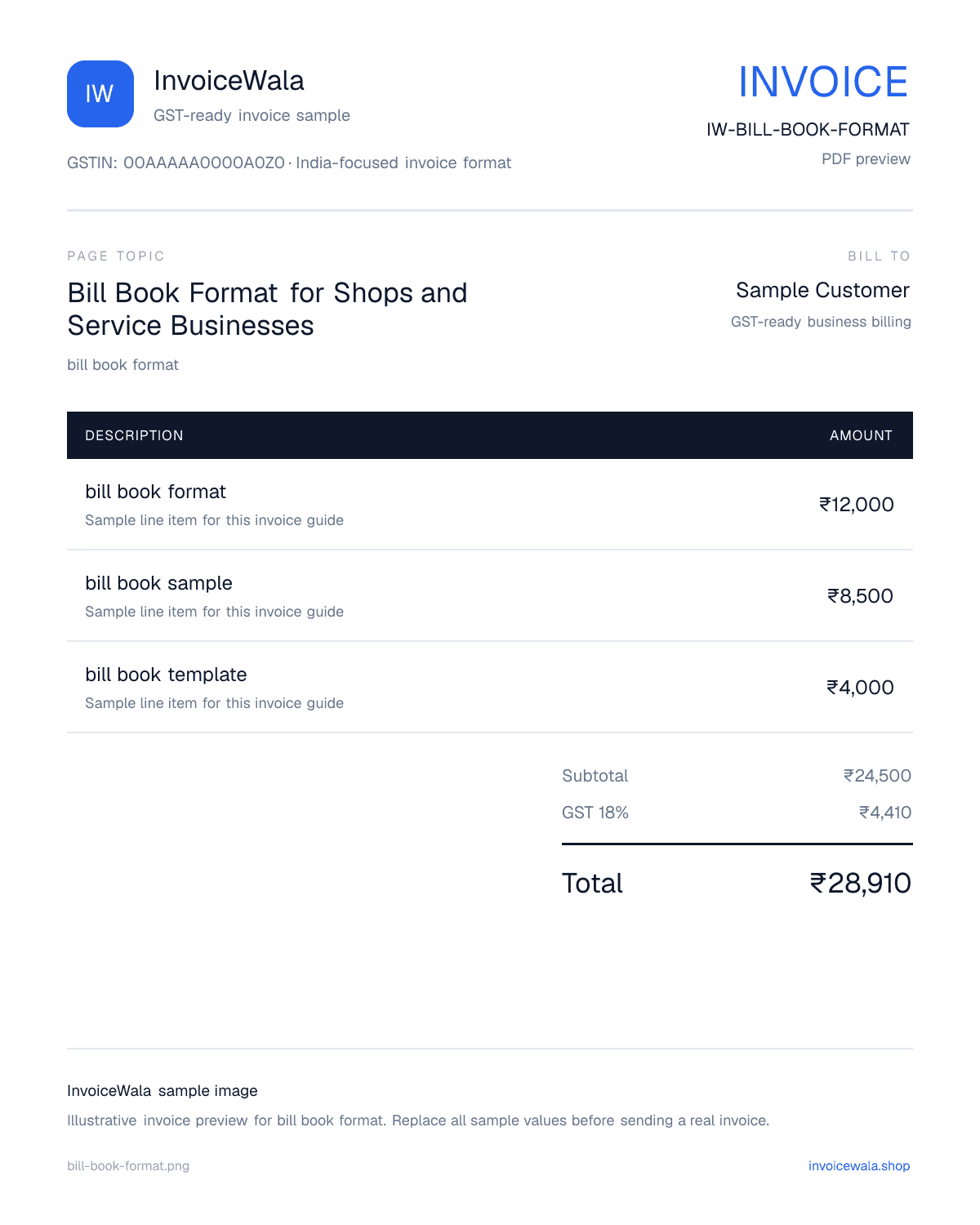
Invoice image sample
This keyword-focused invoice preview gives Google Images and users a visual sample of the format before they create the real invoice.
Bill Book Format for Shops and Service Businesses sample invoice preview with GST-ready fields. Sample values only.
Bill book sample
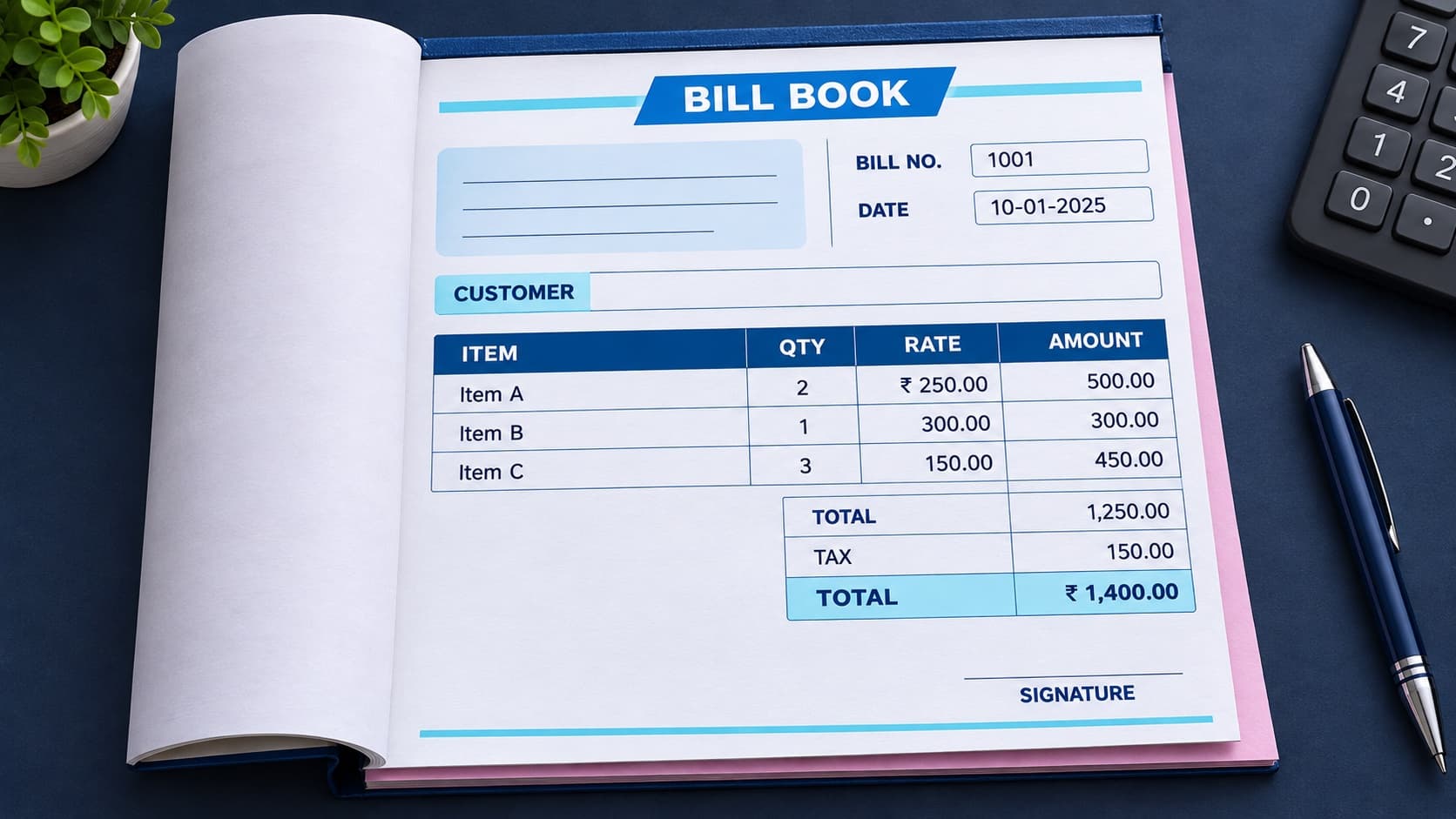
This illustrative sample keeps the bill number and customer fields at the top, item calculations in the middle and the final total and signature area at the bottom. Replace every sample value with the real transaction details.
Free bill book downloads
Choose the file that matches your workflow. Word is easy to edit, PDF is ready to print, and Excel includes working item, GST and balance formulas. All three are original InvoiceWala templates with blank business fields.
Editable A4 layout for shop and service bills.
Download WordPrint-ready blank template for handwritten bills.
Download PDFEditable sheet with subtotal, GST and balance formulas.
Download ExcelThese files are formatting aids, not tax or legal advice. Replace all sample values and confirm the GST treatment that applies to your business and transaction.
A consistent bill-book layout helps customers understand what they bought, how the amount was calculated and which bill number to quote for a return or question.
When a physical bill book uses original and duplicate copies, both copies should carry the same bill number, date, item rows and final amount.
A non-GST bill can stay simple. When GST applies, use the appropriate supplier, customer, taxable-value and tax-breakup fields for the transaction.
A clean bill book starts with your business name, address, phone and GSTIN when applicable. Add a unique bill number and date, then list the customer, items or services, quantity, rate, tax, total and payment details.
For product sales, use item rows with product name, quantity, unit rate, discount, GST and total. Keep every bill number unique so returns, payment follow-up and records stay easy to manage.
For services, write the work completed, service date, hours or quantity, rate, tax and due date. Clear descriptions make customer approval and payment easier.
Use the simpler layout when GST does not apply, and add tax-specific fields only when the seller and transaction require them.
| Bill-book field | Non-GST bill | GST bill |
|---|---|---|
| Seller details | Business name and contact details | Business details and supplier GSTIN |
| Customer details | Name or contact details as needed | Buyer details and GSTIN for applicable B2B invoices |
| Item rows | Item, quantity, rate and amount | Item, HSN/SAC where relevant, taxable value and GST rate |
| Tax section | No GST breakup | CGST/SGST or IGST breakup as applicable |
| Final amount | Subtotal, discount and total | Taxable value, tax and invoice total |
Filled bill samples
Use these examples to understand the layout and calculation flow. Replace every item, rate, tax, discount and payment with the real transaction details.
A simple cash bill for everyday goods where GST is not being shown in this illustrative example.
| Item | Calculation | Amount |
|---|---|---|
| Rice bag | 2 × ₹650 | ₹1,300 |
| Cooking oil | 2 × ₹140 | ₹280 |
| Delivery charge | 1 × ₹50 | ₹50 |
Use a unique bill number, date and payment mode even for a short cash bill.
An intra-state office-furniture sale using an illustrative 18% GST rate split equally between CGST and SGST.
| Item | Calculation | Amount |
|---|---|---|
| Office chair | 2 × ₹4,500 | ₹9,000 |
| Taxable value | Before GST | ₹9,000 |
| CGST + SGST | 9% + 9% | ₹1,620 |
The rate and CGST/SGST or IGST treatment must match the actual product, seller, buyer and place of supply.
A service bill that keeps the replacement part and technician labour separate for easier customer review.
| Item | Calculation | Amount |
|---|---|---|
| Display replacement | 1 × ₹2,500 | ₹2,500 |
| Repair labour | 1 × ₹600 | ₹600 |
| Diagnostic fee | Waived | ₹0 |
Mention the device or job reference and any genuine part or workmanship warranty.
A milestone bill that shows the agreed service, advance already received and the remaining amount.
| Item | Calculation | Amount |
|---|---|---|
| Logo design milestone | Fixed fee | ₹12,000 |
| Extra revision | 1 × ₹1,000 | ₹1,000 |
| Advance received | Previously paid | −₹5,000 |
Add the project or milestone reference and the agreed due date so the client can approve the bill quickly.
A product bill that shows the discount separately and avoids requesting an amount the customer has already paid.
| Item | Calculation | Amount |
|---|---|---|
| Storage racks | 3 × ₹2,000 | ₹6,000 |
| Agreed discount | 5% of ₹6,000 | −₹300 |
| Payment received | UPI advance | −₹2,000 |
Keep subtotal, discount, paid amount and balance due as separate figures on both customer and duplicate copies.
GST values above are illustrative. Confirm the applicable registration, rate, HSN/SAC and place-of-supply treatment for the actual transaction.
Practical tips
How it works
Add your business details and a unique bill number.
Enter customer details and bill date.
List the products or services with quantity and rate.
Add GST or tax when it applies and check the total.
Preview, save and download a professional PDF bill.
Search intent
Understand the fields in a practical bill book format, then create a professional customer bill online.
Next useful step
Continue with the next practical step: calculate tax, create invoice numbers, send reminders or issue receipts.
A bill book format is a structured layout used by shops and service businesses to record a sale or payment request with business details, bill number, customer details, item rows, tax and total.
Write the seller details, bill number, date, customer name, product or service details, quantity, rate, GST or tax, final total and payment terms.
Yes. A GST bill book format can include supplier GSTIN, customer GSTIN when needed, item tax rate, taxable value and CGST/SGST or IGST breakup.
Yes. Use InvoiceWala to create professional bills online, preview them and save or download a PDF after signup.
A non-GST bill records the sale without a GST breakup. A GST bill book adds applicable GST details such as GSTIN, taxable value, GST rate and CGST/SGST or IGST. Use the format that matches the seller and transaction.
Yes. The customer copy and retained duplicate should carry the same bill number, date, items and total so both records refer to the same transaction.
Yes. The worked examples on this page show non-GST shop billing, an illustrative GST retail bill, a repair bill, a freelancer service bill and a bill with discount and partial payment.
Show the full bill total, the amount already paid and the remaining balance separately. Do not replace the original total with only the unpaid amount.
Start with a free preview. Signup only when you want to save, download the PDF and track payment.
Create a bill online