Create an Excel billing template
Keep business details, customer information and bill number at the top. Use a table for items, quantity, rate, taxable value, GST and line total, then show subtotal and grand total at the bottom.
billing format in excel
Set up a simple billing format in Excel with customer details, item rows, quantity, rate, discount, GST and total. This guide helps you build a reusable spreadsheet bill before exporting a PDF.
Preview invoices free. Download and save after signup or login.
Your Business
business@email.com
INVOICE
PDF preview
Bill to
Customer Name
Total
₹5,000
Invoice image sample
This keyword-focused invoice preview gives Google Images and users a visual sample of the format before they create the real invoice.
Billing Format in Excel and Simple Billing Template sample invoice preview with GST-ready fields. Sample values only.
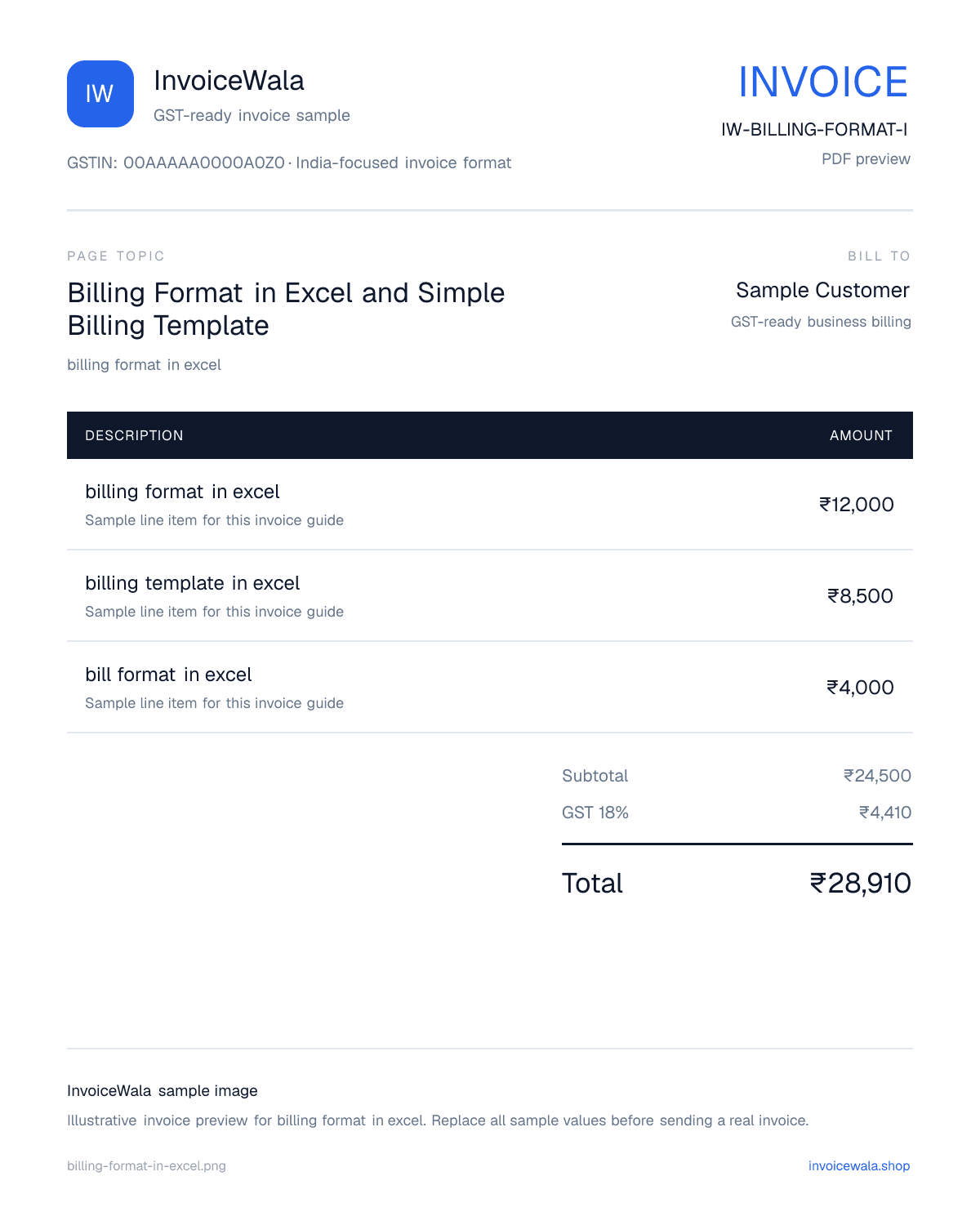
Keep business details, customer information and bill number at the top. Use a table for items, quantity, rate, taxable value, GST and line total, then show subtotal and grand total at the bottom.
For GST billing, add GSTIN, HSN or SAC where relevant, taxable value, GST rate and CGST/SGST or IGST columns. Confirm tax treatment with your accountant before issuing the final invoice.
Excel is helpful for editing and calculations, but PDF is usually better for sharing with customers because formulas and the layout cannot change easily.
Use these columns for a clean customer billing sheet.
| Column | What to enter |
|---|---|
| Bill number | A unique reference such as BILL-2026-001 |
| Customer | Customer name and billing details |
| Item or service | What you sold or completed |
| Quantity and rate | Units or hours with price per unit |
| Tax | GST or other tax rate when applicable |
| Total | Subtotal, tax and amount payable |
Search intent
Learn the columns and formulas for an Excel billing format, then create a professional PDF bill when ready.
Next useful step
Continue with the next practical step: calculate tax, create invoice numbers, send reminders or issue receipts.
A billing format in Excel is a spreadsheet template with business details, customer details, bill number, item rows, quantity, rate, tax and total.
Common formulas calculate line total as quantity multiplied by rate, tax amount as taxable value multiplied by tax rate, and grand total as subtotal plus tax.
Yes. Include GSTIN and fields for taxable value, GST rate and the applicable tax breakup. Check the final tax treatment with your accountant.
For most customer bills, export the finished Excel sheet as PDF so the layout and totals stay fixed.
Start with a free preview. Signup only when you want to save, download the PDF and track payment.
Create a PDF bill online