Good for custom-looking invoices
Word gives easy control over text, headings, logo placement and notes when you need a custom document-style invoice.
how to create invoice in Word
Word is useful when you want a simple printable invoice, but it can become slow when you need repeated invoice numbers, GST calculations and consistent PDF formatting. This page gives the right Word invoice structure and a faster online option.
Preview invoices free. Download and save after signup or login.
Your Business
business@email.com
INVOICE
PDF preview
Bill to
Customer Name
Total
₹5,000
Features
Simple enough for a first invoice, structured enough for repeat business billing.
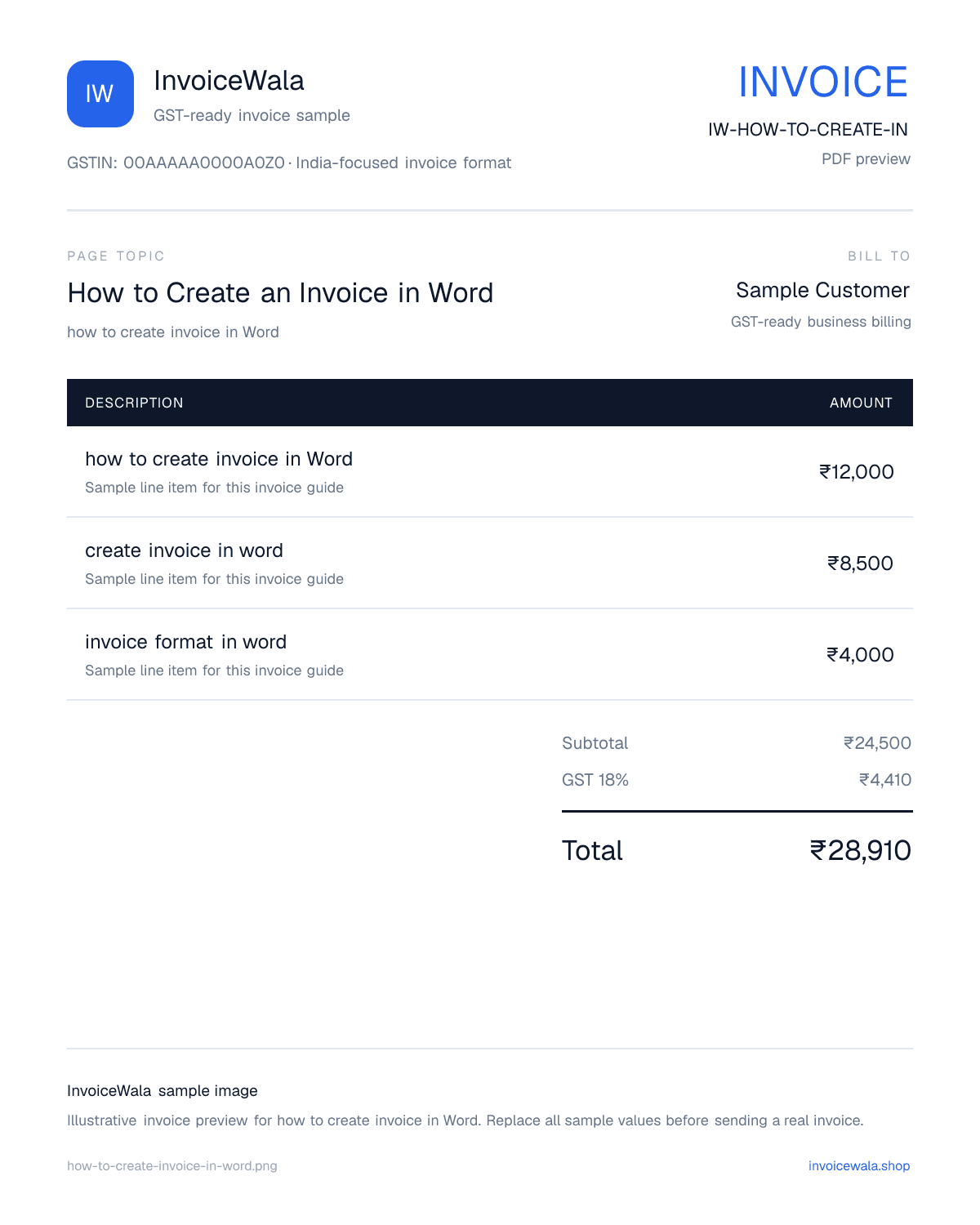
Invoice image sample
This keyword-focused invoice preview gives Google Images and users a visual sample of the format before they create the real invoice.
How to Create an Invoice in Word sample invoice preview with GST-ready fields. Sample values only.
Word gives easy control over text, headings, logo placement and notes when you need a custom document-style invoice.
Word does not handle tax formulas as naturally as Excel, so GST amount and totals need extra checking.
After creating an invoice in Word, export it as PDF before sending it to avoid broken spacing on mobile or email.
Place your logo or business name, address, phone, email and GSTIN at the top so the invoice looks official.
Add invoice number, invoice date, due date, customer name, customer address and customer GSTIN where applicable.
Use a table for description, quantity, rate, tax and total instead of typing totals as plain paragraphs.
Use this comparison before choosing the format for your business billing.
| Area | Word invoice | InvoiceWala |
|---|---|---|
| Formatting | Flexible but manual | Structured invoice layouts |
| GST calculation | Manual checking needed | Tax fields in the invoice flow |
| Invoice numbers | Typed manually | Can be generated and reused |
| PDF output | Export from Word | Download PDF after signup/login |
| Repeat clients | Copy-paste details | Designed for saved billing workflow |
Invoice basics
Yes. A Word invoice can look professional if the layout is clean, details are complete and the final version is shared as a PDF.
Word becomes risky when tax calculations, invoice numbering and repeat customer details are handled manually.
Use Word for a custom quotation-style document or one-off bill. Use an invoice maker for regular billing.
People searching Word invoice format often want a quick editable format, so this page connects that intent to faster online invoice creation.
Practical tips
How it works
Open a blank Word document and create a header with business details.
Add invoice number, date, customer details and payment terms.
Insert an item table with service description, rate, tax and total.
Double-check GST and grand total manually.
Export the Word invoice as PDF or create it faster with InvoiceWala.
Search intent
Understand how to format a Word invoice and when to use an online invoice maker for faster PDF billing.
Next useful step
Continue with the next practical step: calculate tax, create invoice numbers, send reminders or issue receipts.
Yes. Use a header, invoice details, customer details, item table, totals, tax and payment terms, then export it as PDF.
It can be used, but GST calculations and tax breakup must be checked manually because Word is not calculation-first software.
An online invoice maker is faster for repeat invoices, PDF downloads, GST fields and client billing history.
Start with a free preview. Signup only when you want to save, download the PDF and track payment.
Make invoice online